Today I received an email from my reader with question about converting/migrating vCenter Server Appliance (VCSA) with Embedded Platform Services Controller to the external PSC. Fortunately, since vSphere 6.0 U1, vCenter Server can be repointed from embedded to external PSC.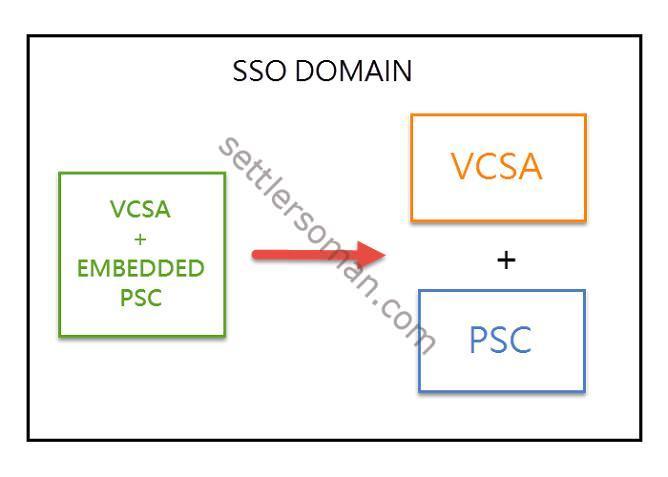 I decided to write a post about it as it can be useful when you want to convert your VCSA or Windows vCenter to get better performance and scalability. You can build a highly available Platform Services Controllers based on external PSC only.
If you need to update your VCSA to 6.0 U1, please follow the below posts:
To convert VCSA please follow the below steps:
- Deploy and configure an external Platform Services Controller as I already described some months ago and join the PSC to the SSO domain.
-
Log in to the VCSA via SSH and enable shell:
shell.set --enabled True
-
Please check that all PSC services (VMware License Service , VMware Identity Management Service , VMware Security Token Service , VMware Certificate Service, and VMware Directory Service) are running:
service-control --status --all
-
Run the following command to repoint VCSA:
cmsso-util reconfigure --repoint-psc psc_fqdn_or_static_ip --username username --domain-name domain_name --passwd password [--dc-port port_number]
cmsso-util reconfigure --repoint-psc ext-psc.nihonno.domein --username administrator --domain-name vsphere.local -passwd my_password
- Log in via Web Client to the vCenter. Now you should use VCSA with external PSC.