In this short post, I will show how to do an upgrade of VMware Log Insight 2.0.x to the vRealize Log Insight 2.5. Log Insight is a powerful "Syslog Server".
Before upgrade, please confirm:
- Create a snapshot or backup copy of the Log Insight virtual appliance.
- Obtain a copy of the Log Insight upgrade bundle .pak file.

To upgrade the Log Insight, please follow the below steps:
- Log in to the VMware Log Insight and Click the configuration drop-down menu icon
 and select Administration.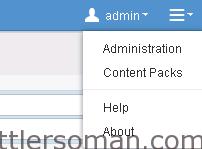
- Under Management, click Appliance. The Upload PAK.
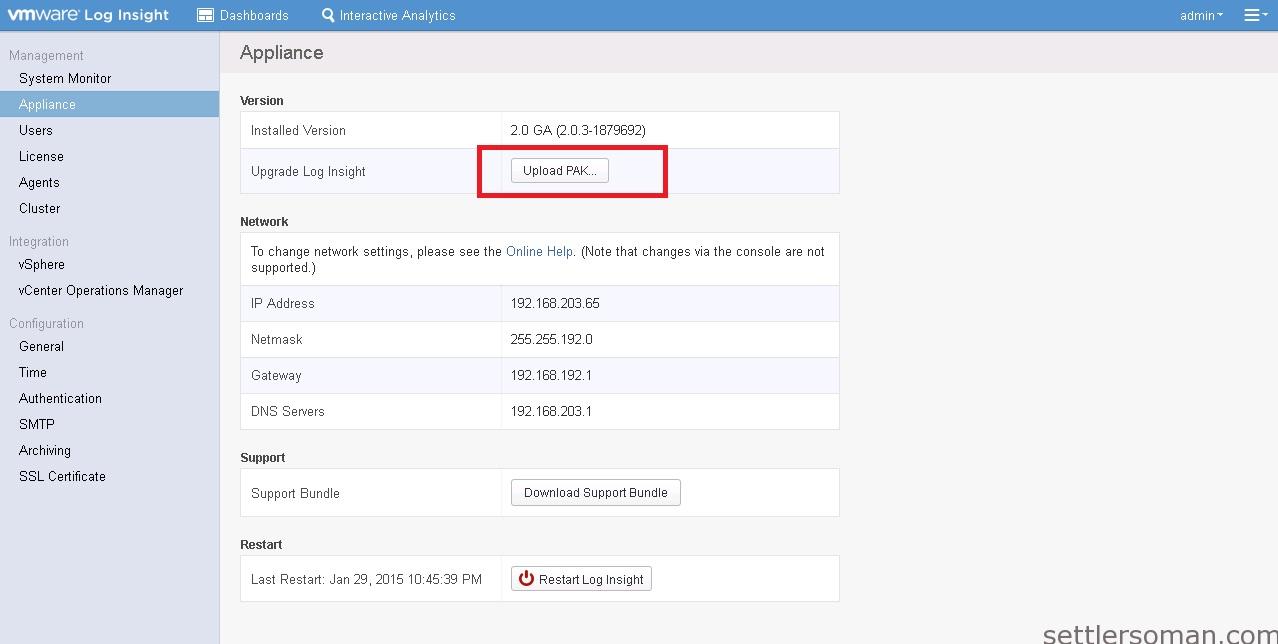
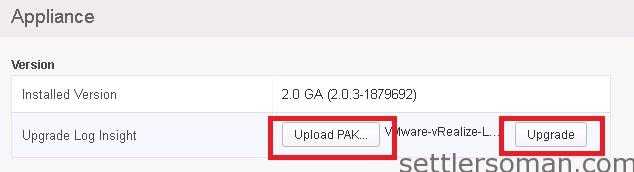
- Browse to the .pak file. Click Upgrade.
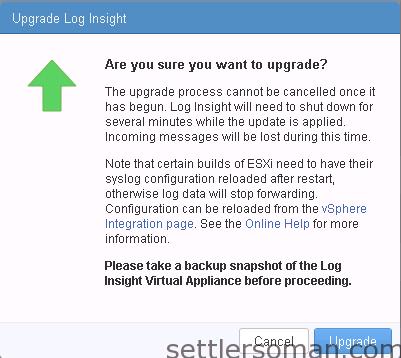
- Click Upgrade to confirm.
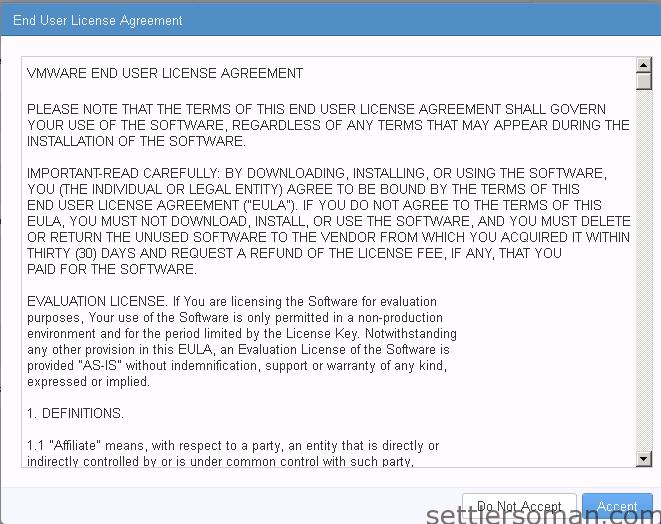
- Accept the new EULA to complete the upgrade procedure.
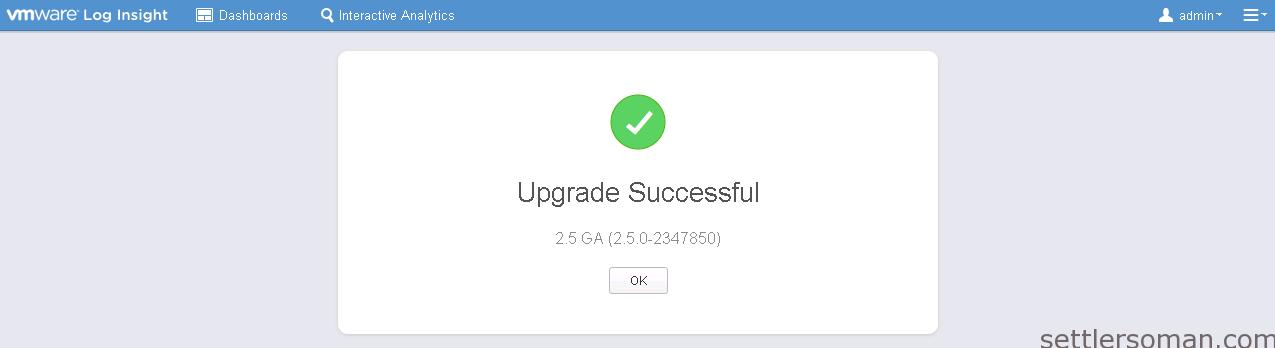
- The Upgrade has been done successfully.
Also please follow another posts about upgrade VMware Operations Manager 5.8.x to vRealize Operations Manager 6.0.